









Report tour
Report tour | Testing a site tour | Advanced features tour
The report summary
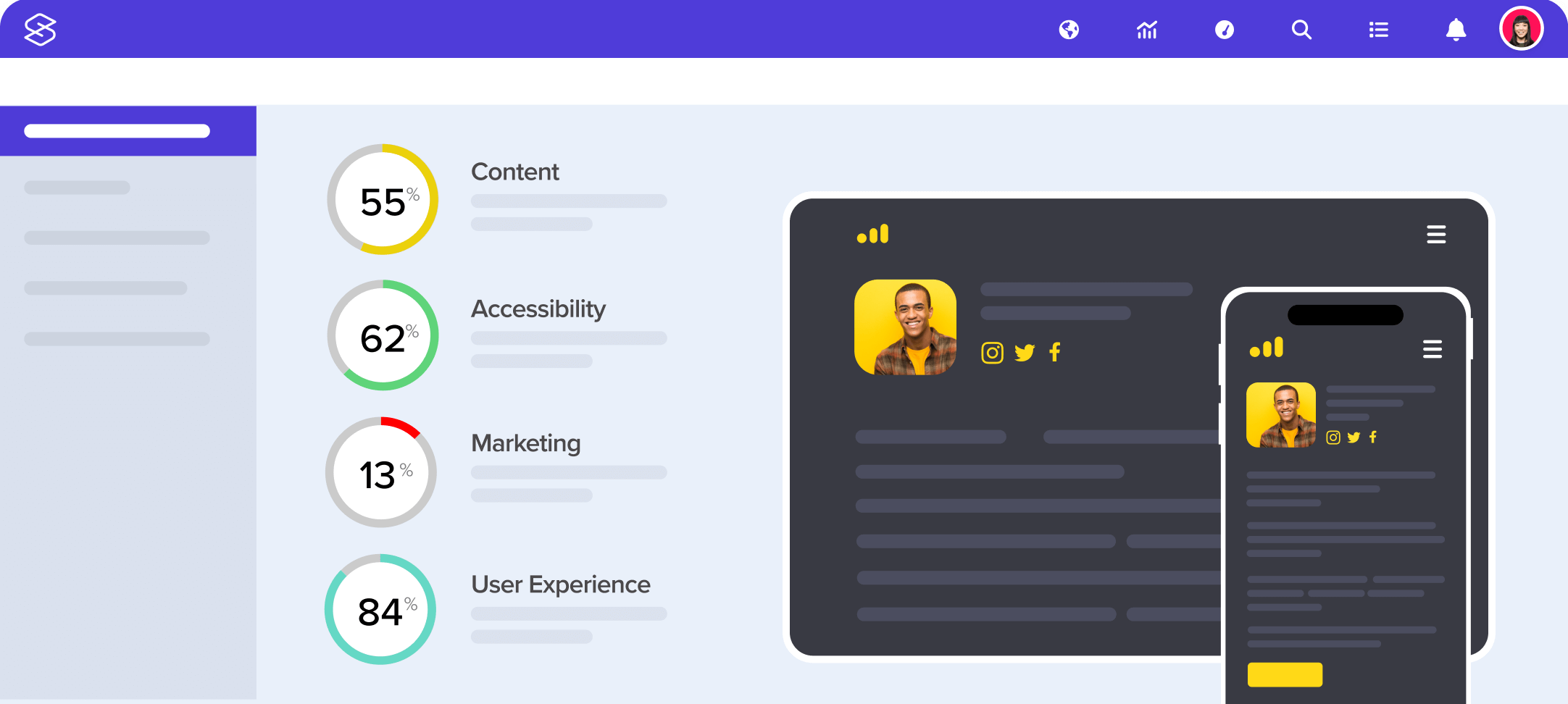
This is the first page of a finished 100 page report. Here you can see the summary scores ('Accessibility', 'Content', 'Quality' etc), a screenshot of the site and a list of good and bad bullet points for the site (partly off the bottom of this screenshot). You also have options to compare websites, change permissions and more.
Readability results
This is an example test result, for Readability. This test explains how easy the text in this website is to understand - in this case quite difficult (understandable for a higher education website).
Metadata results
Many test results are interactive. In this example, you can view and search through all Metadata on a website, include meta tags, Dublin Core and eGMS metadata.
File usage results
This is an extract from the middle of the File usage results, showing how effectively the files in this website are used. In this case, very well - most pages will load within 0-4 seconds on a broadband connection.
W3C compliance results
Technical users can delve into as much detail as they like. Here we can see a list of all W3C compliance issues found with full explanations and code extracts. As with any table in Sitescore, you can export this information into an Excel, Word or HTML document.
The Visual Inspector
Sitescore allows you to view a reconstruction of each page that it tested (for example, if the page changed since the test was run, changes for different users or requires you to login). You can also inspect specific test results (show below, on the left) alongside this visual reconstruction (right). In this example, we're looking at a page that Sitescore says is very easy to read on the Cornell website.
Understanding what was tested
Sitescore provides a complete log of exactly what it spidered (and excluded) as it tested a site. You can search through this information to understand and refine the scope a test - for example excluding pages by URL, language or other criteria. It is also possible to add manual steps during the process, for example to log Sitescore into a website, or submit a form with specific options.
Comparison report
Compare any two websites side by side, and explore the results as normal. You can also compare a website with itself at a different time (e.g. monthly, or before and after a redesign).
Dashboards
Dashboards can compare a large number of websites at a glance. Choose what scores you'd like to compare, and sort your dashboard by any column. You can filter dashboards by date, and compare dashboard results between two date ranges.