









Frequently Asked Questions /
What are the report types?
A summary report is a quick review of a website, designed to run quickly and be easily understood. Summary reports only test up to the first 100 pages of a website. They are ideal for web designers and marketers looking to sell websites, as they quickly summarise what is good and bad about it.
A complete report contains a lot more detail, and covers up to 1,000 pages. They take longer to run, but the extra detail is ideal for people looking to improve their websites, such as site owners and web developers.
For enterprise customers, we also offer bespoke reports, which can extend to 5,000 pages or more.
How do I pay?
For our standard plans, we only accept payment online via credit card. Enterprise customers may alternatively pay via invoice.
How long does a report take to run?
Typically a 100 page site takes about 5 minutes to test. If you queue up a large number of sites, or SiteRay is particularly busy this can take longer. 1,000 page sites can take anywhere between 20-60 minutes to test.
You can always choose to test less pages to obtain a report faster.
How is it installed / used?
The reports are created by the SiteRay software running online on our servers. There is no need for you to install any software or do any work other than request the website report and answer a few simple questions. You only require an Internet connection and a compatible web browser to view your Siteray reports.
For Enterprise customers, we do offer a solution you can host yourselves.
What web browsers are supported?
Currently SiteRay is compatible with: Internet Explorer 6 or greater, Firefox 2 or greater, Safari 3 or greater, all on Windows, Mac or Linux. Other browsers may be supported but are not guaranteed to work.
Can I print reports?
Yes. However due to the size of large reports (potentially thousands of sheets of paper) SiteRay offers the ability to print only select sections or reduce the level of detail to a manageable size. We recommend that larger reports are explored online for maximum benefit, as results can be drilled down, searched, sorted and compared.
Can I export reports?
Yes, to Word and PDF (free software download required for PDF). Note that the exported reports are essentially copies of the printed reports, and accordingly have less detail in them than the full interactive online reports.
You can export Dashboards and tables from any individual test into Word, Excel or HTML.
Can I compare reports?
Yes, you can compare in two ways:
- Any two websites side by side
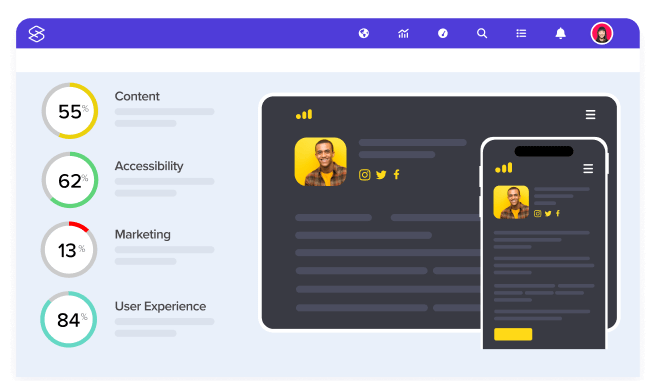
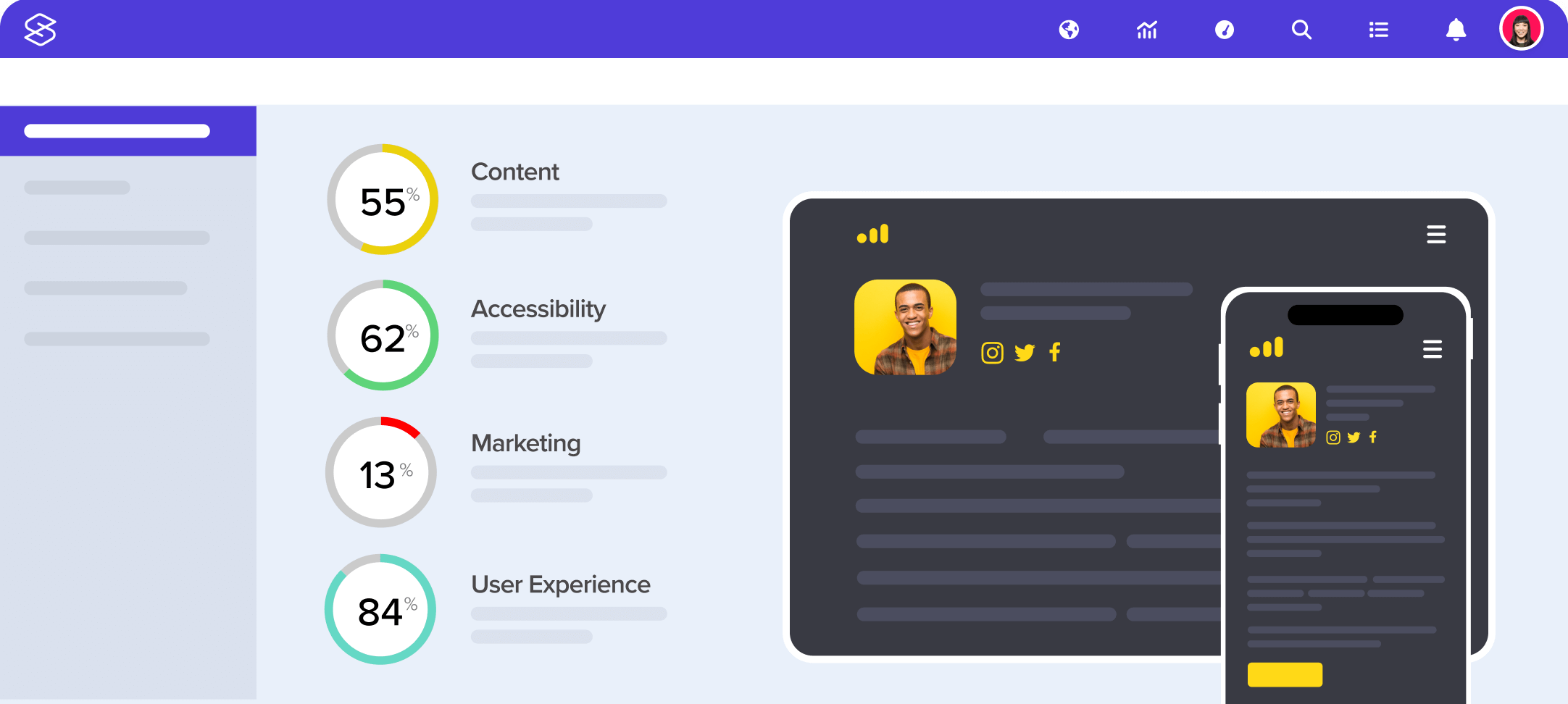
- Any number of website scores in a graphical table
Of course you need to test the websites you wish to compare before you can compare them. If your organisation has a lot of websites they wish to compare, you might want to consider our Enterprise solutions.